Picture a busy food court at lunchtime. Long queues at every counter, staff shouting order numbers, customers crowding to check if their food is ready. It is stressful for everyone — and it costs you sales when people walk away rather than wait. A QR self-ordering system fixes this. Customers scan a code, order from their phone, pay, and get live updates until the food is ready. No queue. No confusion.
Who this is for
Food courts, cafeterias, canteens, cloud kitchens, kiosks, takeaway counters and quick-service restaurants — any outlet where speed and short queues matter most.
What is QR self-ordering?
QR self-ordering lets your customers place their own order by scanning a QR code at the table, counter or stand. Instead of waiting in line to tell a cashier what they want, they browse the menu, choose items and place the order straight from their phone. Your counter and kitchen receive it instantly.
The full ordering flow, step by step
Here is exactly what a customer experiences — fast, clear and completely self-served. Five simple steps, from scanning the code to relaxing while their food is prepared:
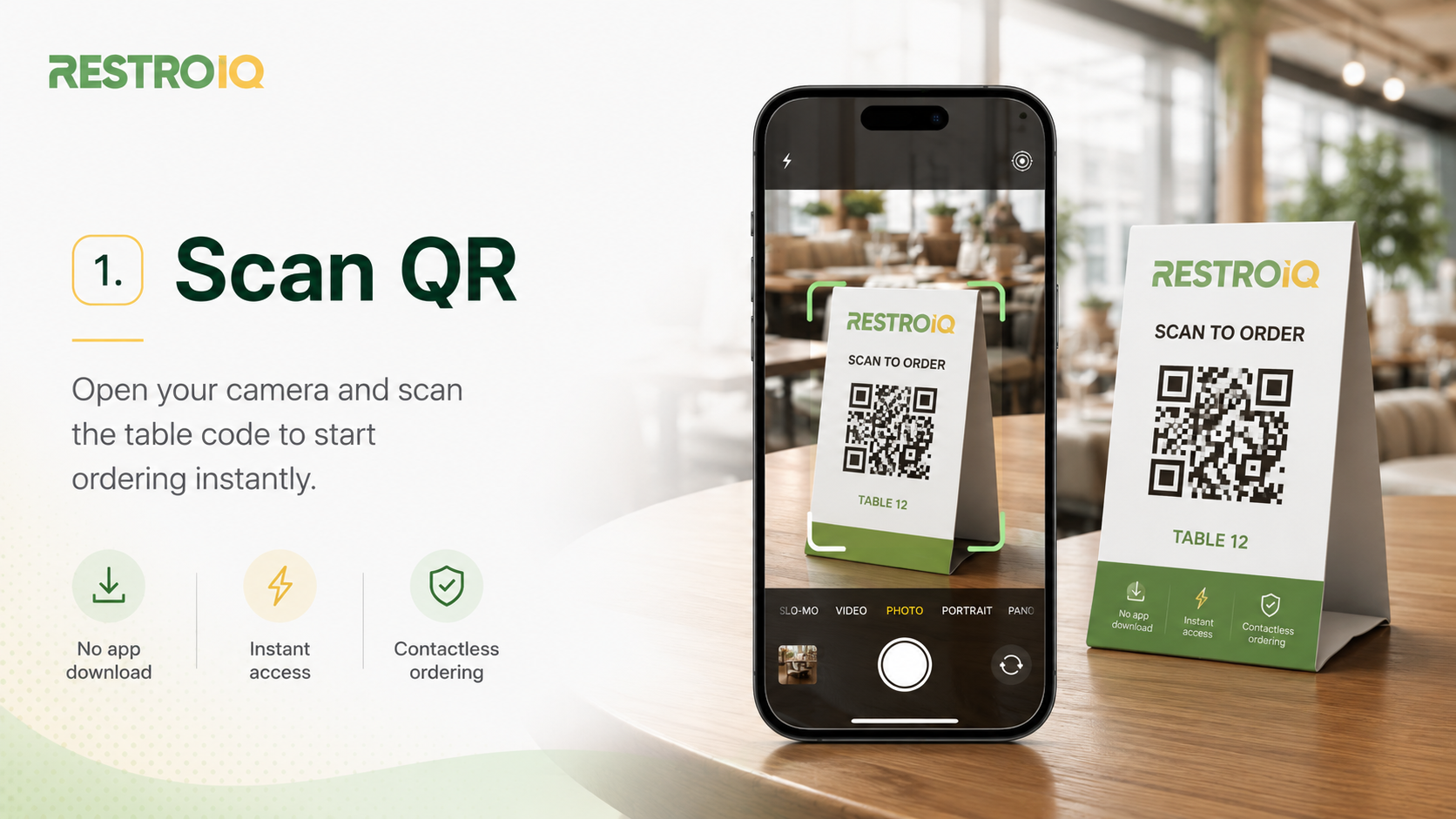
Step 1: Scan the QR code
The customer opens their phone camera and scans the QR code on the table or counter. The menu opens instantly in the browser — no app to download, no signup.
Step 2: Browse the menu
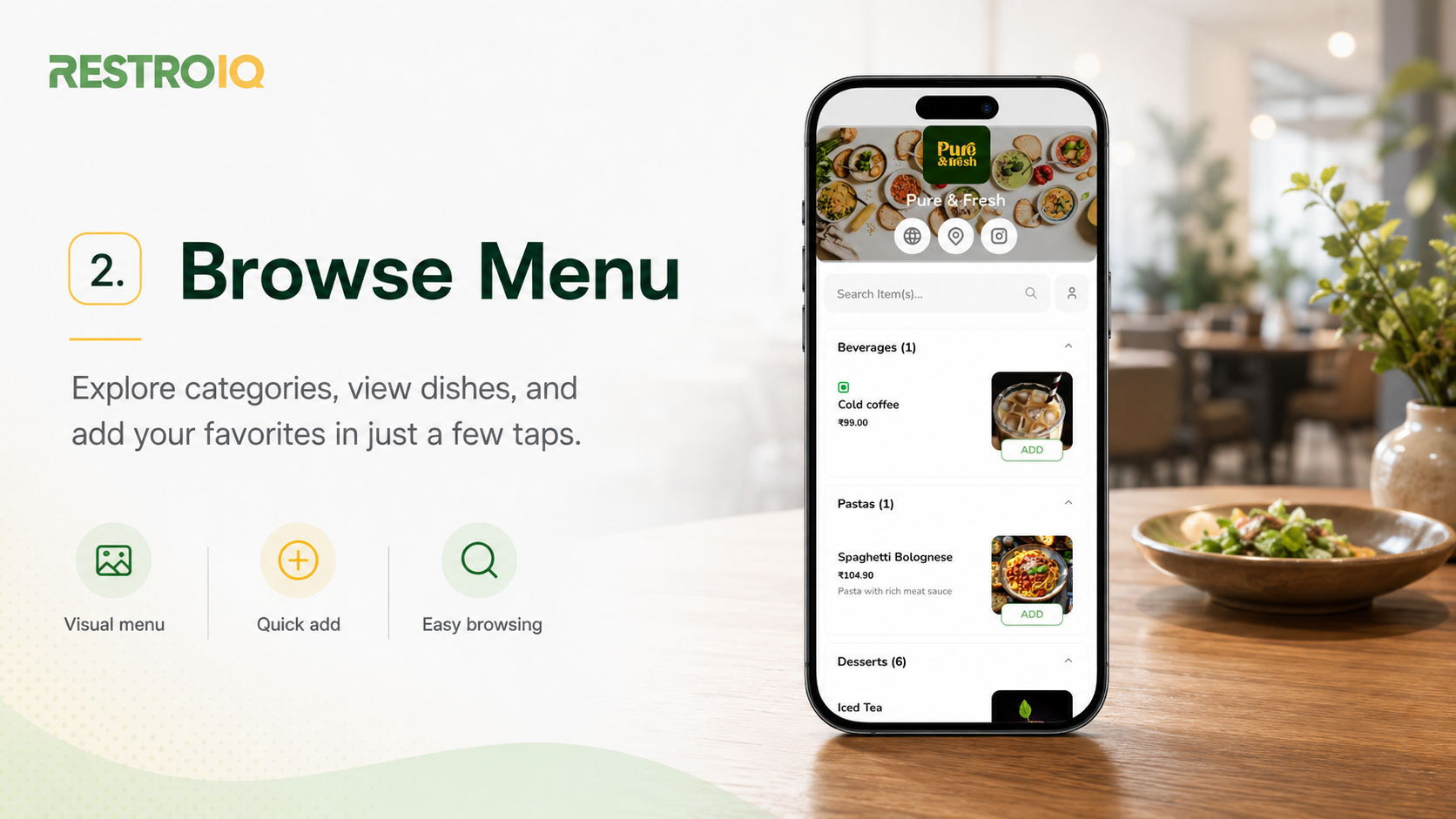
They explore categories, view dishes with photos and prices, and add favourites to the cart in just a few taps.
Step 3: Review the cart
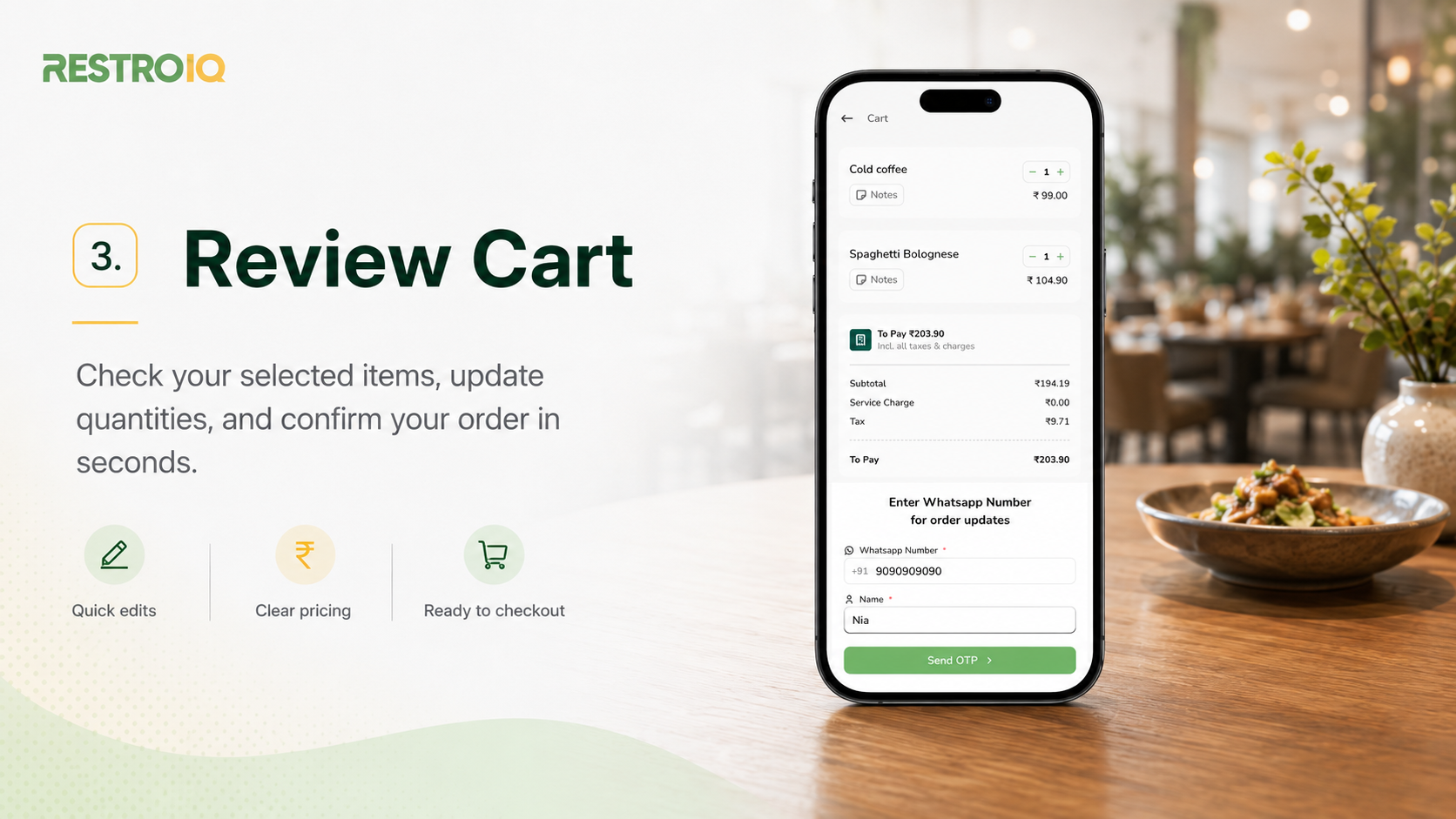
Before confirming, the customer checks their selected items, updates quantities and sees clear pricing — no surprises.
Step 4: Enter details for updates
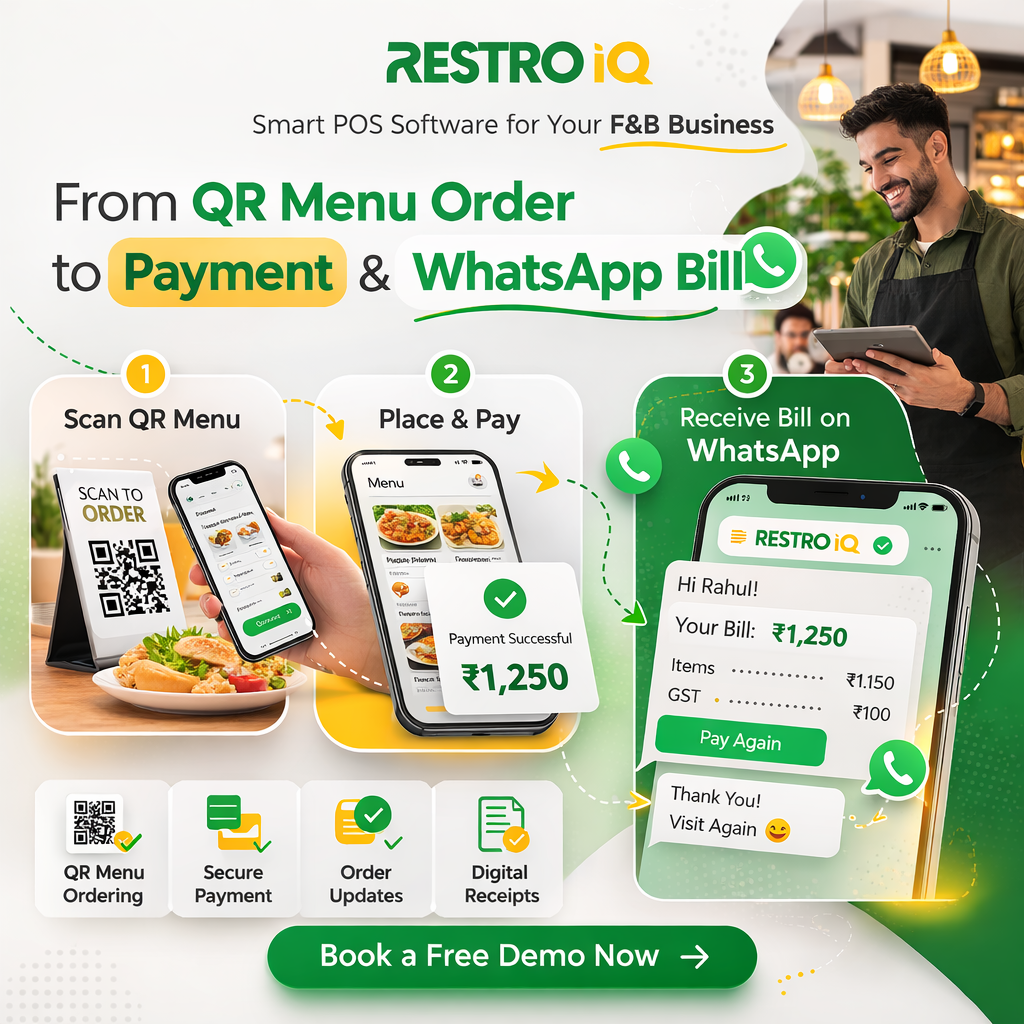
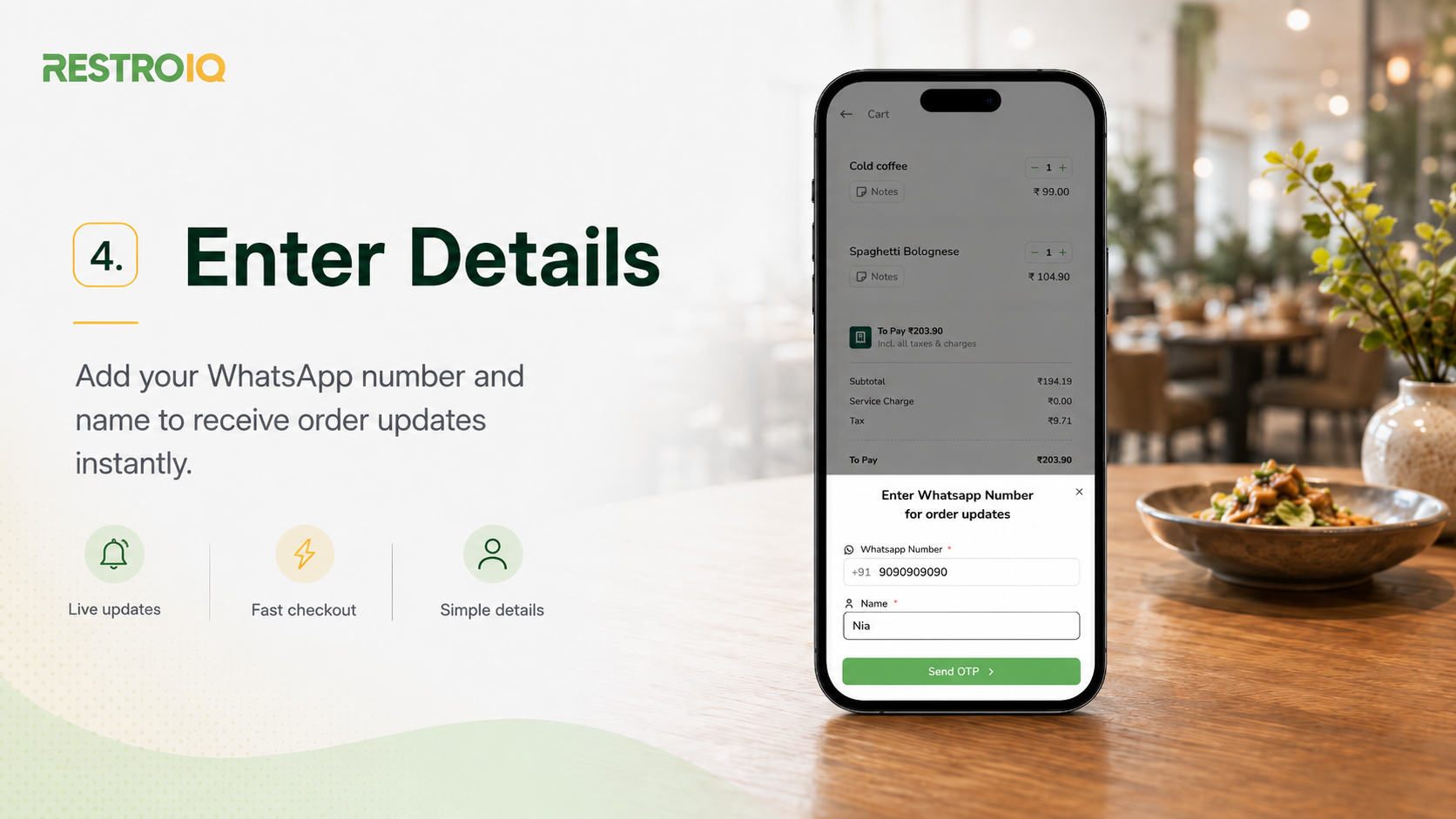
The customer adds their WhatsApp number and name to receive live order updates — and their bill — straight on their phone.
Step 5: Order placed
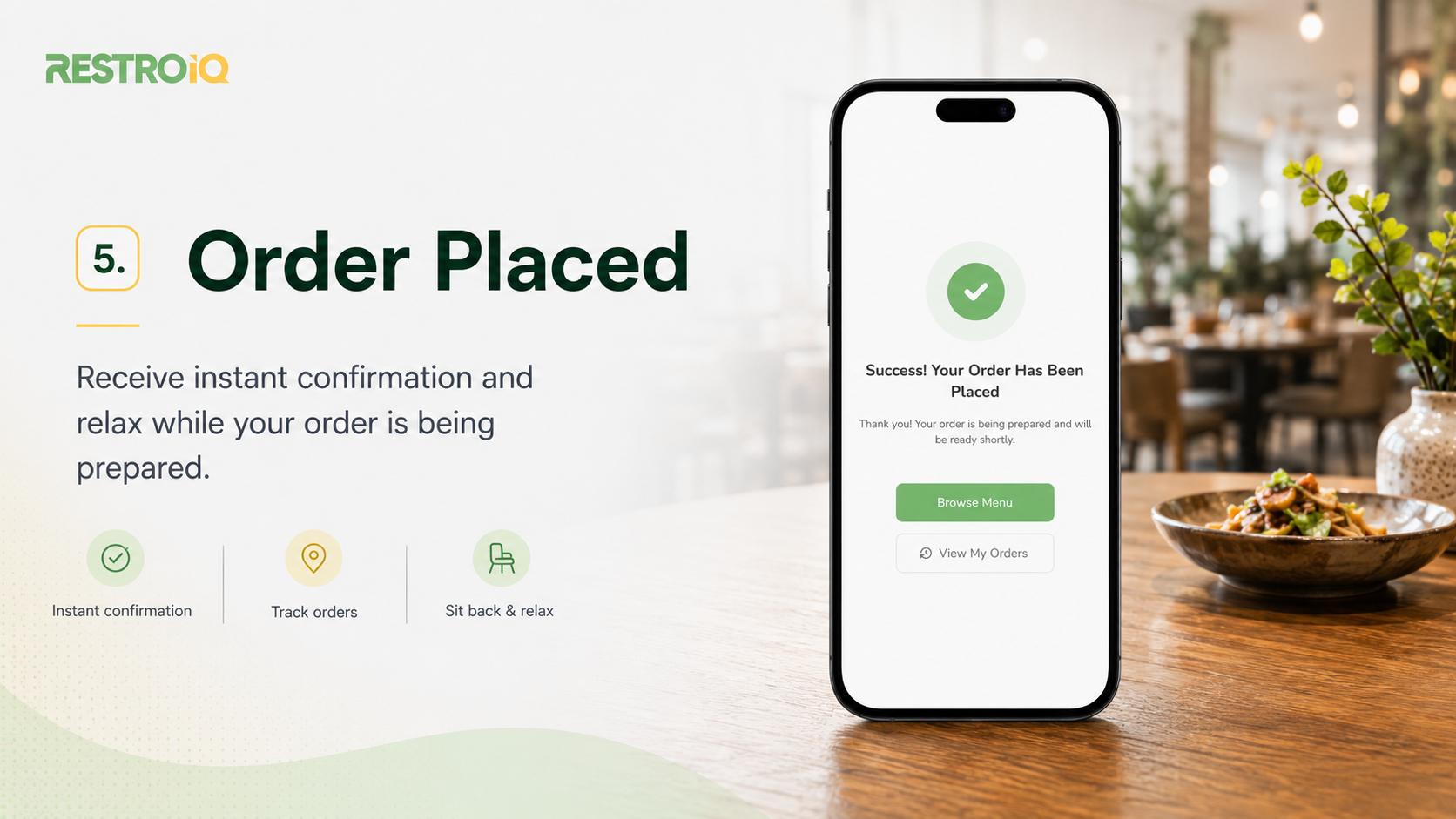
They get an instant confirmation that the order has been placed — then simply relax while the kitchen prepares it, tracking the status until it is ready for pickup.
Live order updates
From “order placed” to “preparing” to “ready for pickup” to “completed”, customers always know where their order stands — so no one crowds the counter asking “is it ready yet?”.
Three ways to use the QR menu
Not every outlet wants the same setup. RestroIQ supports three QR menu modes, so you choose what fits your business:
You can switch modes anytime, and even use different modes for different outlets or counters.
How it cuts queues and stress
- Shorter queues — customers order from their seat or phone instead of lining up.
- Fewer mistakes — orders come in exactly as the customer entered them, no mishearing at a noisy counter.
- Less staff pressure — your team focuses on preparing food, not taking down every order by hand.
- Faster table turnover — quicker ordering and pickup means you serve more customers in the same space.
- Higher order value — clear photos and easy add-ons gently encourage bigger orders.
- Contactless and modern — a clean experience customers increasingly expect.
A QR home page that is fully yours
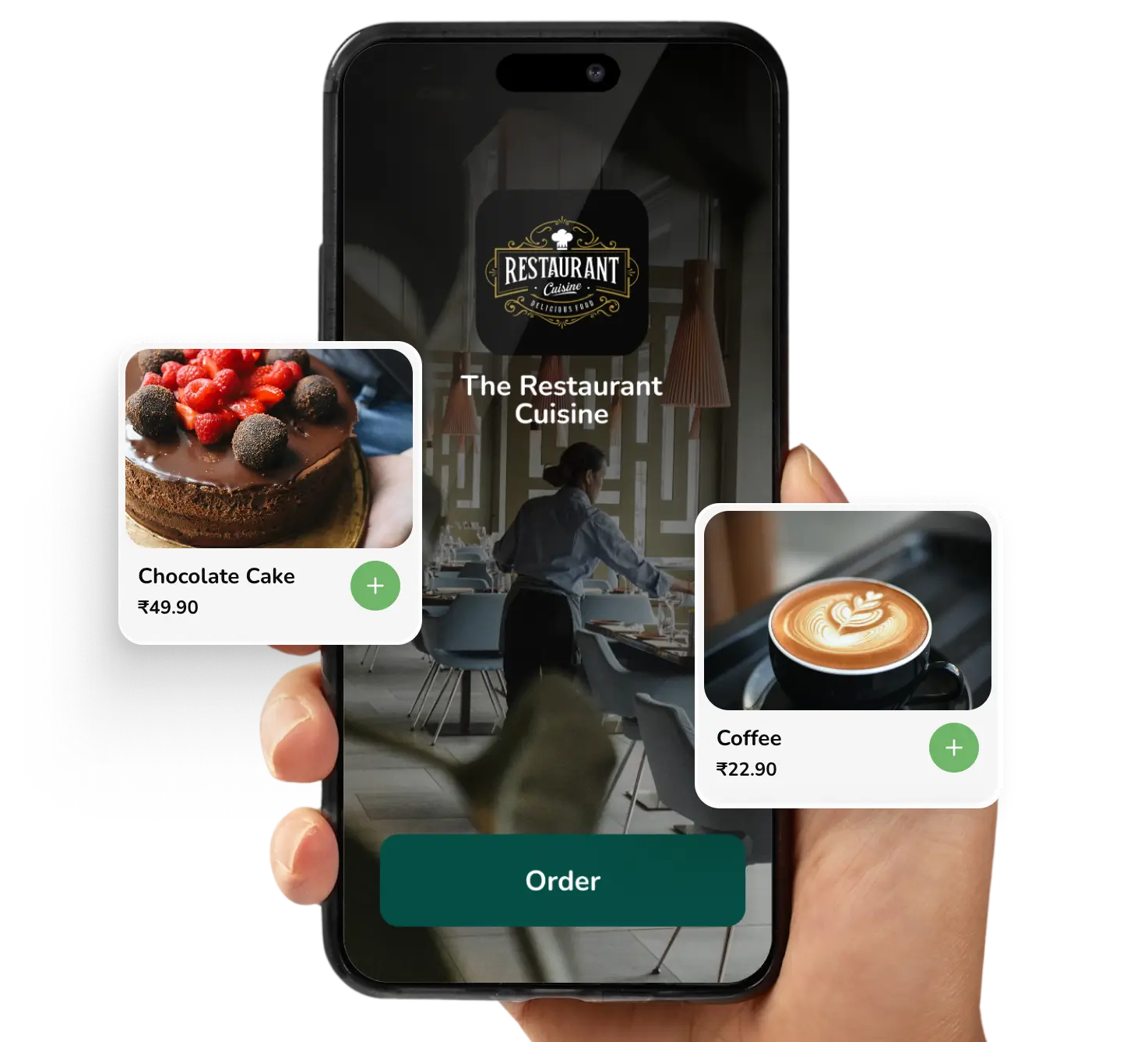
Your QR menu does not have to look generic. With RestroIQ, the QR home page is fully customizable — so the first thing customers see is your brand, not ours.
- Your logo and branding front and centre.
- Banner image or video to showcase signature dishes or offers.
- Social links so customers can follow you on Instagram, WhatsApp and more.
- A clean, fast layout that loads quickly even on a busy network.
Easy for your team to manage
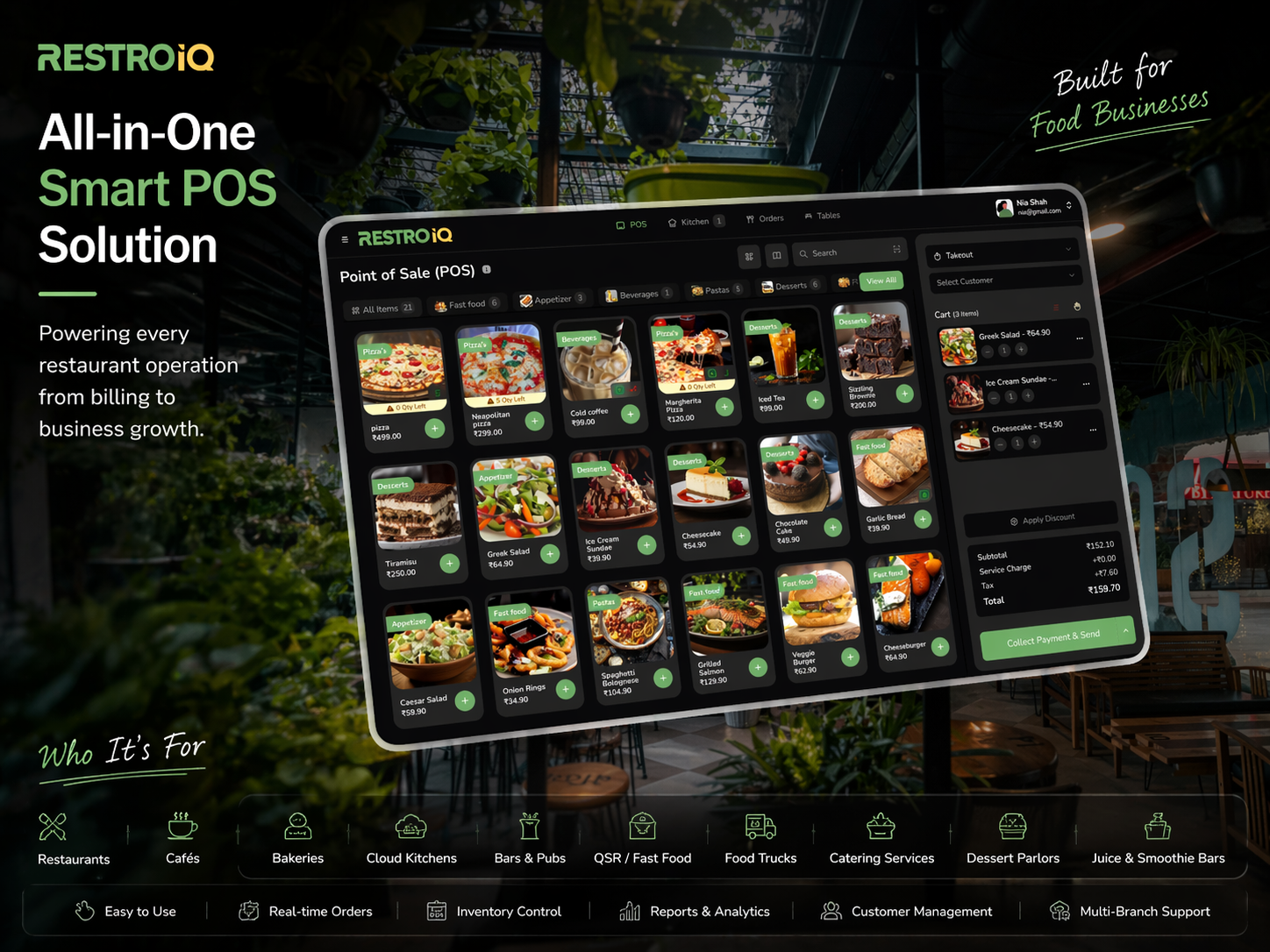
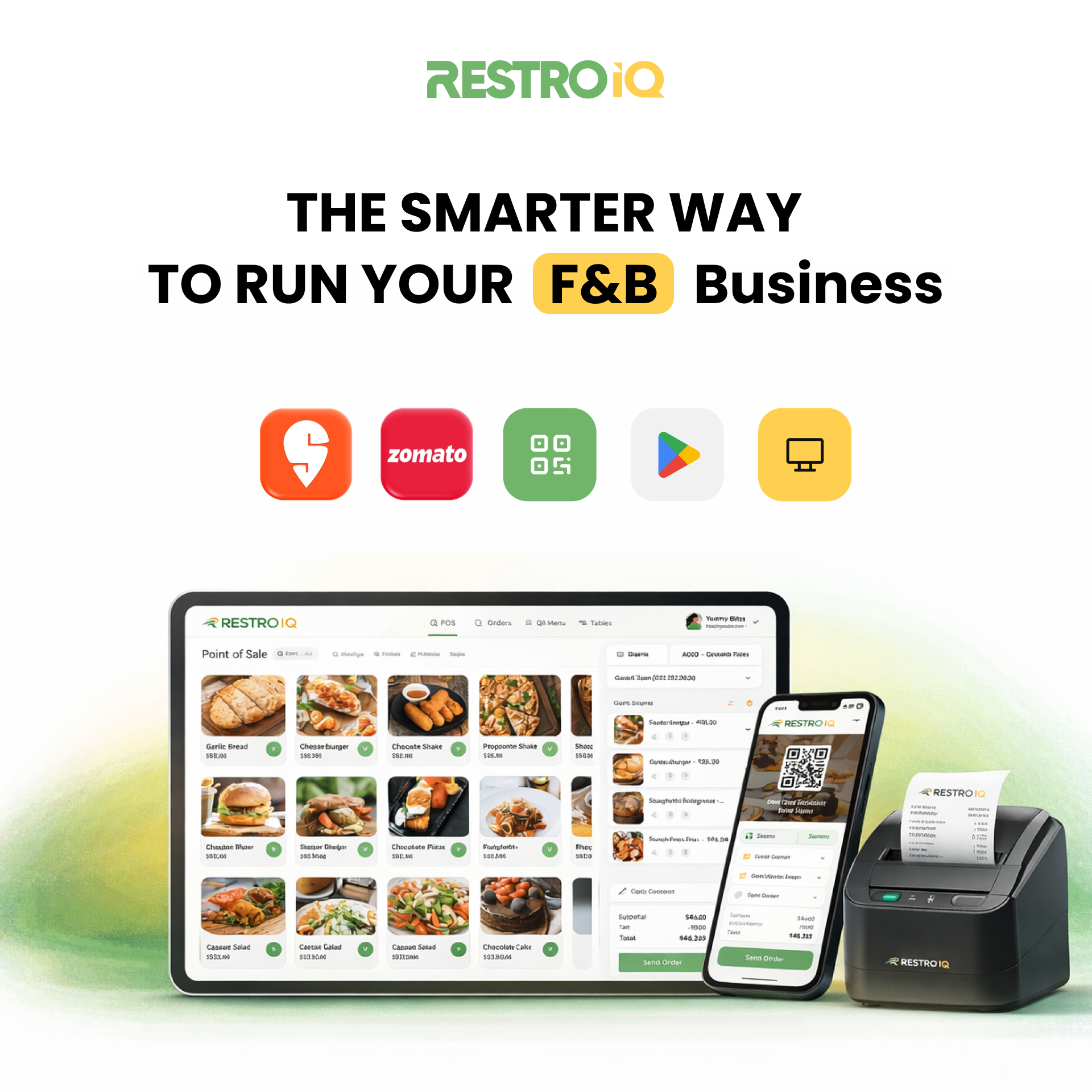
Every QR order lands in the same RestroIQ system as your counter and online orders — so your staff manage everything from one screen. Orders flow to the kitchen display, statuses update with a tap, and reports capture every sale automatically.
Cut the queue with QR self-ordering
Let customers scan, order, pay and track their order — while your team stays focused on the food. Set up QR ordering for your outlet today.
Frequently asked questions
Do customers need to download an app to order?+
No. RestroIQ QR ordering works straight in the phone’s browser. Customers just scan the QR code, and the menu opens — no app, no signup, no friction.
Is QR self-ordering good for food courts and cafeterias?+
Yes. It is ideal for food courts, cafeterias, canteens and quick-service outlets, where short queues and fast service matter most. Customers order from their phone and pick up when the order is ready.
Can customers pay online through the QR menu?+
Yes. RestroIQ supports view-only, scan & order, and order & pay modes. In order & pay mode, customers complete payment online (UPI, cards and more) right from the menu.
Do customers get a bill or invoice?+
Yes. After the order, customers receive the bill with full invoice details, and live updates from “order placed” to “ready for pickup” to “completed”.
Can I customize the QR menu with my branding?+
Yes. The QR home page is fully customizable with your logo, a banner image or video, and social links, so customers see your brand the moment they scan.